
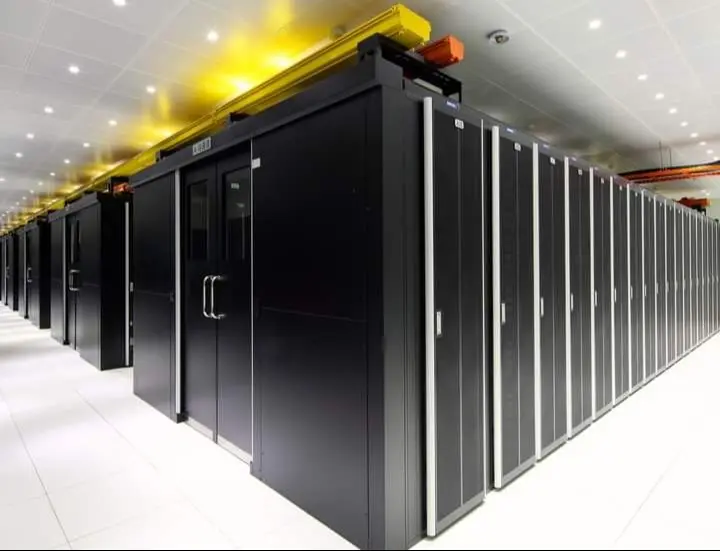
 North America
North America
- Ashburn "Data Center Alley" — world's densest internet traffic hub
- Ultra-low latency gaming servers with sub-5ms inter-node routing
- High-throughput NVMe storage optimized for CDN & SaaS workloads

Experience unmatched performance, reliability, and security with Leo Servers — the world's most trusted solution for your dedicated server infrastructure.
World-class data centers in the most strategic locations. Deploy where your users are, with guaranteed performance.
North America
 South America
 Europe
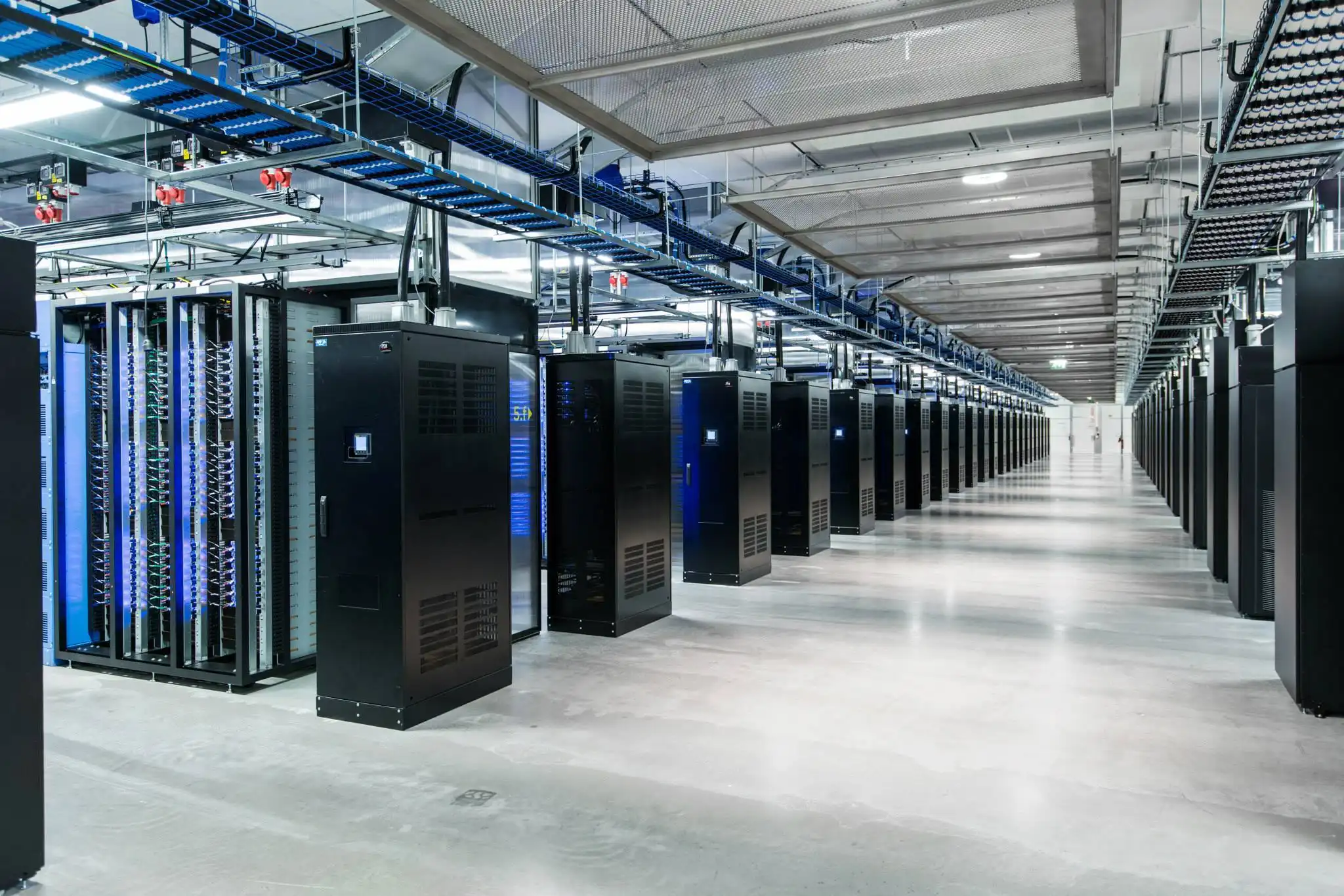 Africa
 Asia
Asia
 Australia
Enterprise Uplink
Streaming Ready
Clustered Nodes
Immense Scaling
Ultimate Backbone
Zero Overages
Big Data & Archive
L3/L4/L7 Shield
Multi-core Power
High-Freq Compute
Ultra-Low Latency
NVIDIA® Power

Leo Servers offers dedicated servers with high-performance CPUs, NVMe storage, and DDR5 RAM, ensuring smooth application performance and reliability for modern businesses and enterprises.
We offers advanced DDoS protection to protect data and operations, ensuring uninterrupted service and robust security solutions for mission-critical applications.
Leo Servers provides a global network of data centers, ensuring low latency, high availability, and exceptional connectivity for faster and more efficient content delivery.
Leo Servers offers full administrative control over your server environment, providing root access for customization, application installation, and flexible management.
Leo Servers' 24/7 expert team monitors servers for optimal performance and security, providing reliable service and a 24/7 support team for any issues or questions.
Leo Servers offers customizable dedicated servers to meet your specific business needs, including storage, RAM, and processing capabilities, allowing you to build your ideal server today.
Financial institutions and heavy data processors require Single-tenant Hosting to guarantee absolute data privacy and compliance. NVMe Dedicated Servers ensure rapid read/write speeds for MySQL/MSSQL queries.
Build your own cloud infrastructure. By utilizing a Dual Processor Server with High RAM, you can seamlessly host multiple virtual machines using hypervisors like VMware or KVM without performance degradation.
Handle massive Black Friday traffic spikes and media distribution with ease. Physical Servers combined with High-Bandwidth/Unmetered ports prevent bottlenecks during mission-critical transactions.
Process millions of incoming data points from connected devices (IoT) or train complex neural networks using Dedicated GPU Servers. Headless environments ensure all power is routed directly to computation.
Pick from a variety of operating systems, control panels, hardware options, and addons, or bring your own.





Upgrade from shared hosting to dedicated the moment your site gets 10,000+ daily visitors, runs resource-heavy apps, or needs rock-solid uptime for revenue (e.g., e-commerce during Black Friday).
Vs Shared: No slowdowns, better SEO rankings from speed.
Vs VPS: True physical performance for databases (MySQL/PostgreSQL) or video streaming.
Vs Cloud: Lower long-term cost for constant workloads. Use cloud for bursts, dedicated for your core business.
Everything you need to know about our dedicated servers, hardware customization, security protocols, and global infrastructure.
Start by auditing your current resource usage (CPU, RAM, storage). If you run heavy databases, prioritize high RAM and NVMe SSDs. If you are rendering video or running AI, focus on GPU and CPU cores. Consider your growth trajectory over the next 12-24 months to ensure you have enough headroom.
Because you are the sole tenant, there is zero risk of cross-server contamination from other compromised accounts. You have total physical and network isolation, allowing you to implement custom firewalls, intrusion detection systems, and strict access controls.
Dedicated server security best practices include configuring hardware firewalls, implementing DDoS protection, setting up regular automated backups, hardening the OS (disabling unused ports/services), using SSH keys instead of passwords, and installing intrusion detection systems (IDS).
On a managed dedicated server, the hosting provider (like Leo Servers) handles OS updates, security patching, hardware monitoring, and network security for an additional fee. On an unmanaged dedicated server, the client is 100% responsible for all software-level maintenance.
You have root/administrative access to the bare metal. This means you can install custom software stacks, tweak kernel parameters, choose your exact operating system, and configure your network topology exactly how you want it, without the restrictions of a virtualized environment.
You can find them right here at Leo Servers! When looking for a provider, prioritize those offering 24/7/365 support, high uptime guarantees, transparent hardware SLAs, and global data center locations for optimal GEO routing.
Choose an unmanaged server if you have an in-house SysAdmin team and want absolute control while minimizing costs. Choose a managed server if you want to focus entirely on your business and application code, leaving server maintenance, security, and troubleshooting to the experts.
It is an entry-level bare-metal server that provides the security and isolation a growing small business needs (especially for handling customer data, private emails, or internal ERP systems) without the massive price tag of an enterprise cluster.
Multiplayer games require incredibly low latency, high tick rates, and the ability to process thousands of player actions per second. A dedicated server for gaming provides the high clock-speed CPUs and stable network connections necessary for a lag-free experience.
Top tools include cPanel/WHM or Plesk for web hosting management, Docker/Kubernetes for containerization, Zabbix or Prometheus for performance monitoring, and Ansible or Terraform for configuration management.
While the exact steps vary, a general dedicated server setup guide involves: 1) Securing root access (disabling password logins), 2) Updating the OS, 3) Configuring the firewall (UFW/iptables), 4) Setting up user accounts, and 5) Installing your specific application stack (like LAMP/LEMP).
Pricing is typically a flat monthly fee based on the hardware specifications (CPU, RAM, Drives), bandwidth allocations, and the level of management. Unlike cloud computing, this fixed pricing protects you from unexpected billing spikes when traffic surges.
Absolute peace of mind. Knowing that your infrastructure has the exclusive power, top-tier security, and limitless customization to handle whatever your business throws at it, ensuring your digital presence never skips a beat.
RAID (Redundant Array of Independent Disks) is a frequent topic of inquiry. Buyers need to understand the different RAID levels (e.g., RAID 1, RAID 5, RAID 10) and how they can improve data redundancy and performance.
The need for multiple IP addresses for services like SSL certificates, an own nameserver, or virtualization often leads to this question.
Full administrative control is a key advantage of a dedicated server. Confirmation of root (for Linux) or administrator (for Windows) access is a standard query.